
Few things are more frustrating than Wi-Fi that constantly disconnects. One minute you’re streaming Netflix, working from home, attending a Zoom meeting, or scrolling social media, and the next your internet drops out for no apparent reason.
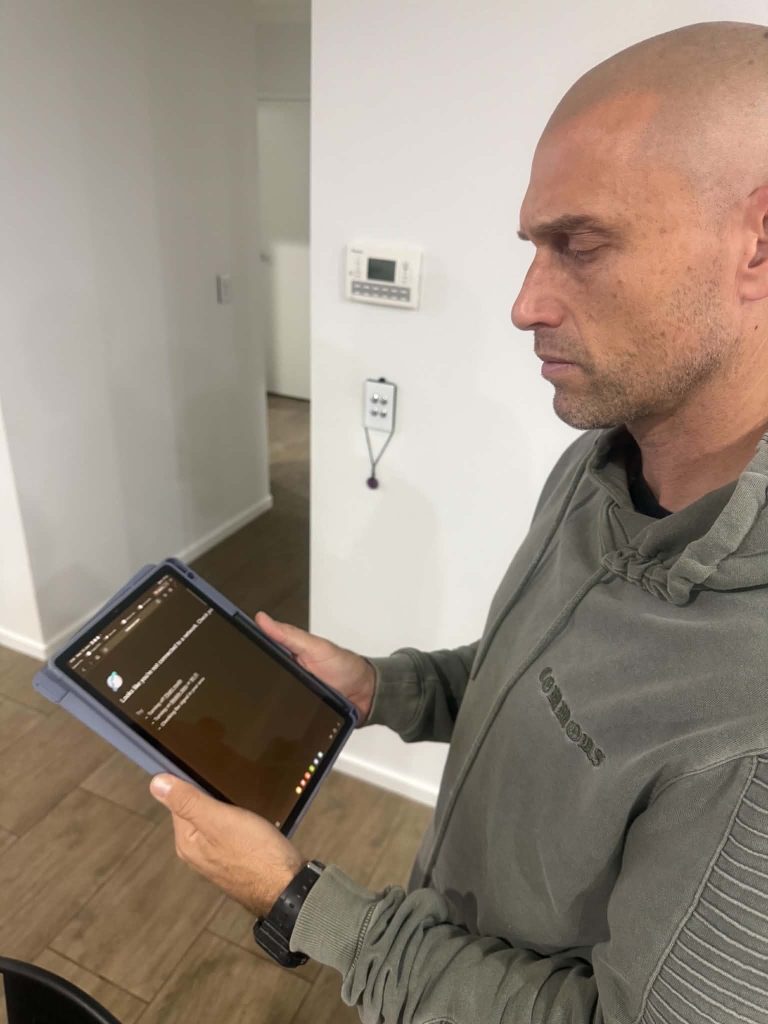
In fact, just today we were called out to a customer’s home in Sanctuary Cove, Hope Island, for exactly this issue. We’ll cover some of the common causes of Wi-Fi dropouts below, but in our customer’s case the issue was caused by an Eero mesh Wi-Fi system that had been set up inefficiently. Unfortunately despite the “plug and play marketing” setting up internet extenders and WiFi mesh devices properly does take expertise. Otherwise they end up only half working or not working at all.
Anyway; at Internet Magic Gold Coast, Wi-Fi dropouts are one of the most common issues we are called out to diagnose. While many people assume they need a new internet provider, the real cause is often something much simpler.
Book a mobile tech today ph. 0452525615
Who is Internet Magic Gold Coast?
Internet Magic provides professional, to-your-door Wi-Fi troubleshooting, mesh Wi-Fi installation, internet fault diagnosis, and home network support services throughout the Gold Coast.
Common Causes of Wi-Fi Dropouts
Poor Wi-Fi Coverage
Many homes have areas where the Wi-Fi signal simply cannot reach effectively. Large homes, multiple levels, brick walls, concrete structures, metal roofing, and even household appliances can weaken wireless signals. Our customer today actually lives in a large two story home where the modem is the in garage, so that’s why she was trying to solve her issues with WiFi extenders.
Symptoms often include:
- Internet works fine near the router
- Devices disconnect in bedrooms or outdoor areas
- Slow speeds in certain parts of the home
- Wi-Fi works sometimes but not always
A properly designed mesh Wi-Fi system can often solve these issues.
Outdated or Poor-Quality Equipment
Not all Wi-Fi equipment is created equal.
Many internet providers supply basic modem/router combinations that work adequately for small homes but struggle in larger properties with multiple users and devices.
If your equipment is several years old, it may not support the latest Wi-Fi standards or be capable of handling modern internet demands.
Wi-Fi technology is advancing rapidly, so equipment purchased just a few years ago may have been significantly improved upon by newer products.
Incorrect Network Configuration
This is surprisingly common.
Many homes have:
- Multiple routers connected together
- Old Wi-Fi extenders
- Incorrect DHCP settings
- Double NAT issues
- Poorly configured mesh systems
We’ve visited many Gold Coast homes where expensive Wi-Fi equipment was installed, but the network was configured incorrectly, causing ongoing reliability problems. (Don’t worry if this is all technical jargon, just call us out and we’ll handle the tech stuff.)
Get a technician to your home ph. 0452525615
Wireless Mesh Systems Not Optimised
Mesh Systems such as:
- Eero
- TP-Link Deco
- UniFi
- Google Nest WiFi
can work extremely well when configured correctly.
However, we frequently find installations where:
- Nodes are positioned poorly
- Wireless backhaul is overloaded
- Existing data cabling is not being used
- Devices are connecting to the wrong access point
- Sometimes customers have purchased mesh Wi-Fi systems expecting a simple plug-and-play setup, only to discover there are a few important configuration steps required to get the best performance.
In many cases, the hardware itself is perfectly fine. It simply needs professional optimisation.
Book a mobile tech today ph. 0452525615
Too Many Connected Devices
Modern homes can easily have:
- Smart TVs
- Security cameras
- Smartphones
- Tablets
- Laptops
- Gaming consoles
- Smart home devices
It’s not uncommon for a household to have 30 to 50 connected devices.
As device numbers increase, network congestion can become a problem, particularly with older routers.
Internet Service Provider Issues
Sometimes the issue isn’t Wi-Fi at all.
NBN faults, damaged cabling, modem issues, or service outages can all appear to be Wi-Fi problems when they are actually internet connectivity problems.
Proper troubleshooting is essential before replacing equipment unnecessarily. When we arrive on site, this is one of the first things we check. And, before we go we show you how to check it yourself. That way you know whether it’s your equipment or your providers signal and you can aim the blame accordingly.
How Internet Magic Gold Coast Can Help
At Internet Magic, we specialise in diagnosing and fixing residential and business Wi-Fi issues throughout the Gold Coast.
Our services include:
- Wi-Fi troubleshooting
- Mesh Wi-Fi installation and optimisation
- UniFi network setup
- Eero and TP-Link Deco configuration
- Home network diagnostics
- Internet fault diagnosis
- Data cabling solutions
- Wi-Fi coverage improvements
Rather than guessing, we identify the root cause of the problem and recommend the most practical and cost-effective solution.
Real-life Case Scenario
We attended a home in Runaway Bay recently where the homeowner was experiencing intermittent Wi-Fi dropouts throughout a large two-storey property.
The home was equipped with an Tp-Link Deco mesh Wi-Fi system, however the mesh nodes had been installed using wireless backhaul rather than the existing network cabling already present in the home.
After reconfiguring the network and utilising the existing data cabling, coverage and reliability improved significantly throughout the property.
Book a Gold Coast Internet Tech. 0452525615
Stop Putting Up With Unreliable Wi-Fi
If your Wi-Fi keeps dropping out, don’t waste time endlessly rebooting your modem or replacing equipment that may not be the real problem. Internet Magic provides professional Wi-Fi troubleshooting, mesh Wi-Fi installation, home network optimisation, and internet fault diagnosis throughout the Gold Coast. Whether you’re located in Hope Island, Sanctuary Cove, Helensvale, Coomera, Robina, Southport, or surrounding suburbs, we’re here to help. Call us today or submit an enquiry online and we’ll help get your internet running reliably again.